Purpose-built jury technology for courts, clerks, and counsel

Built for statutory jury administration

Confidence at every step of jury management.

Court Nox gives clerks, judges, administrators, and counsel one court-controlled system for venires, summons, questionnaires, excusals, check-in, jury selection, communications, and reporting.

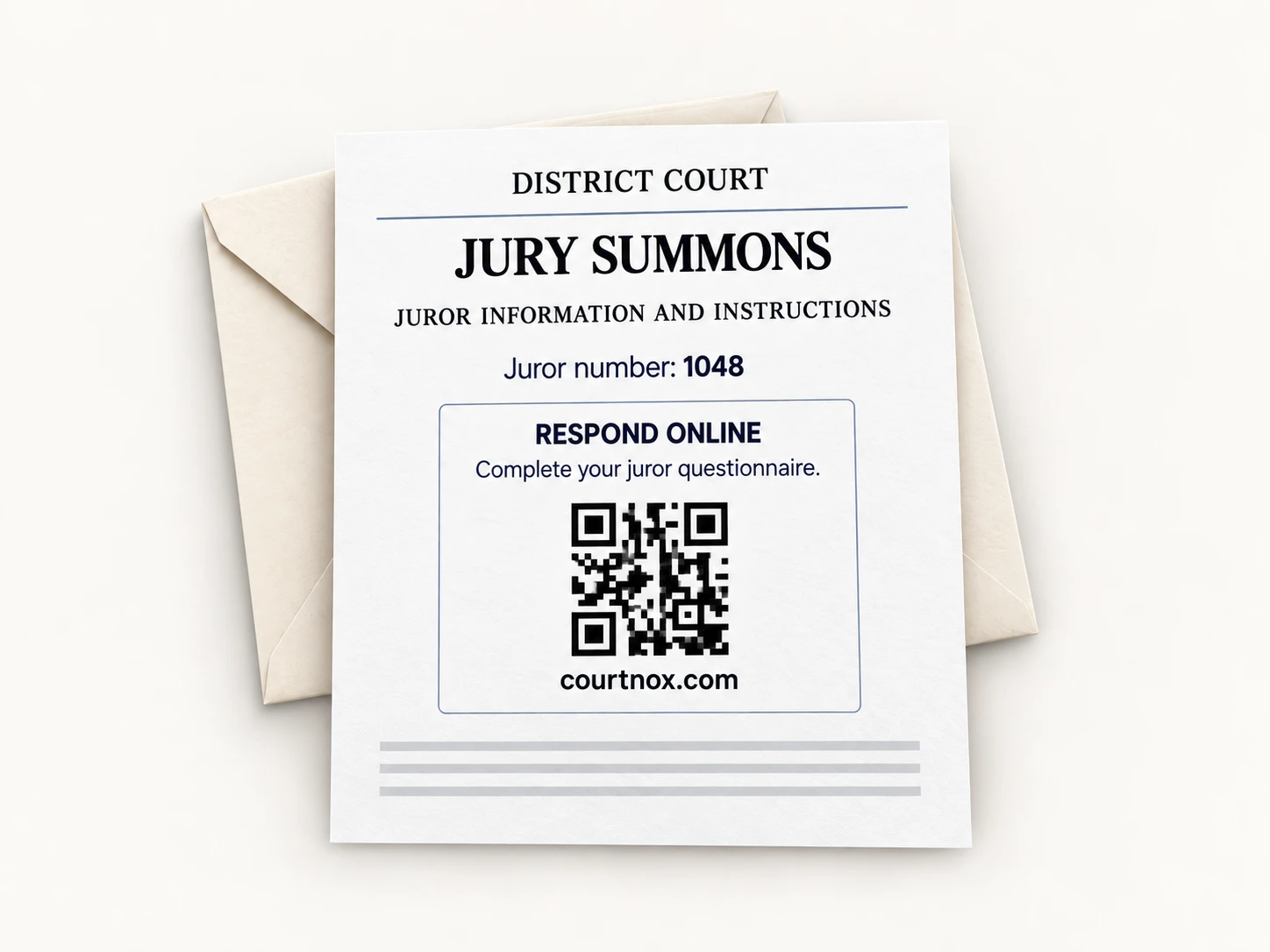
Received a jury summons?Respond online
Digital and printableAuditable court recordsRole-aware access
Court Nox criminal venire dashboard showing juror readiness, questionnaires, summons, and court actions
01 / 04
Build and manage the venire

Keep source, readiness, questionnaire, summons, and service status in one connected record.

One system, aligned around the court.
Clerks and jury administratorsLess list reconciliation, copying, and repeated follow-up.
Judges and court leadershipClear status, review queues, and court-ready records.
CounselQuestionnaire insight, panels, notes, challenges, and strikes.

Complete jury lifecycle

From source list intake to the final printable record.

Court Nox connects the administrative, juror-facing, courtroom, and counsel workflows that are usually split across paper, spreadsheets, inboxes, and disconnected systems.

01

Source list import and tracking

Import court-provided source files and preserve batch, provenance, status, and service history.

02

General venire composition

Build and manage a qualified jury pool without losing each juror's source and service record.

03

Petit venire selection

Create panels and assignments from eligible, available jurors without rebuilding lists.

04

Summons and letters

Generate individual or bulk summons, notices, thank-you letters, and other printable batches.

05

Questionnaire management

Collect digital responses, track nonresponses, search answers, and export the current view.

06

Excusals and deferrals

Route eligibility and excusal requests for review with evidence, status, and decision history.

07

SMS and email

Send court updates and reminders with recipient controls, consent checks, and message history.

08

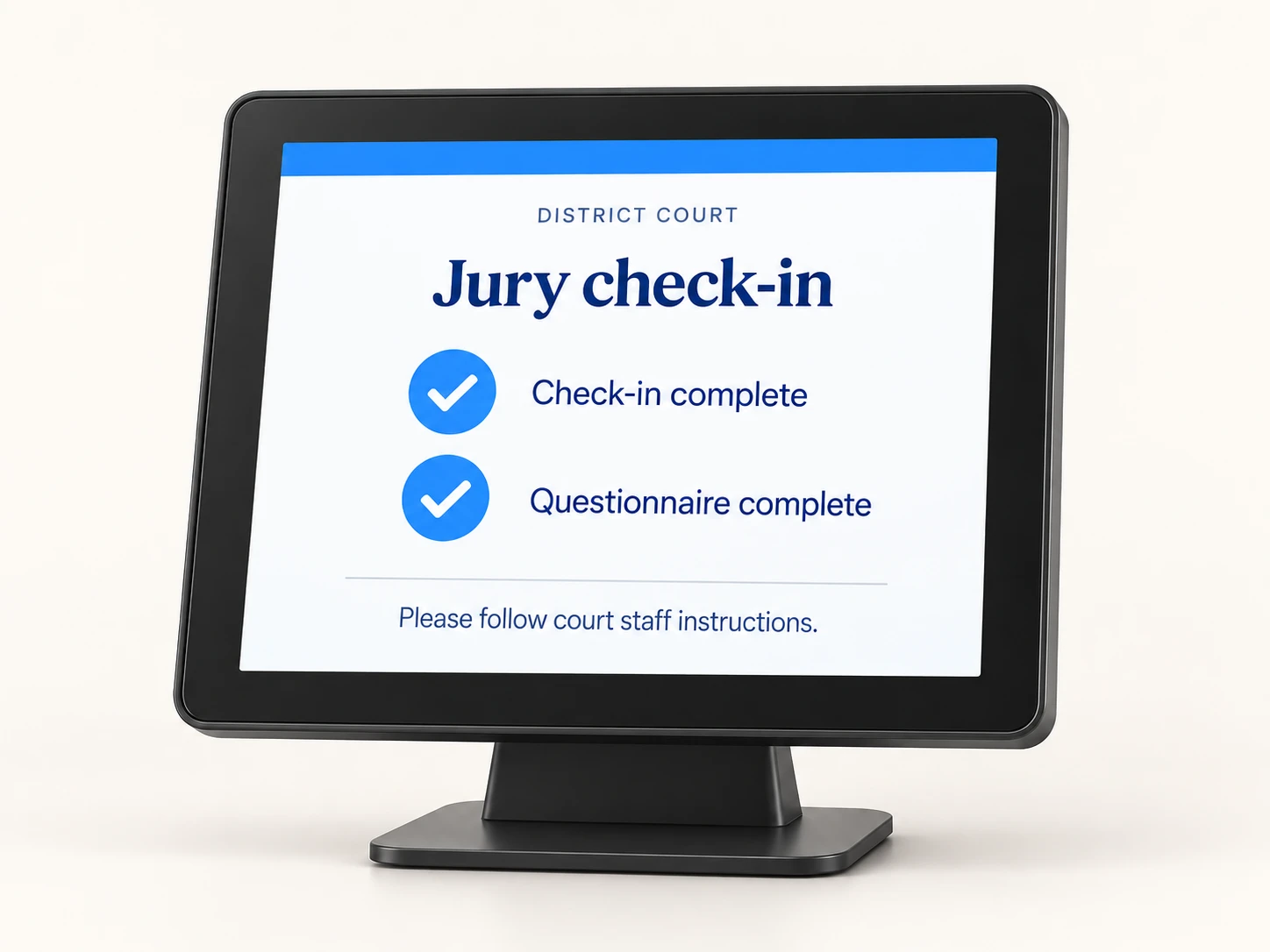
Check-in and roll call

Move jurors through arrival, attendance, questionnaire completion, and readiness in real time.

09

Panels, voir dire, and challenges

Seat jurors and give counsel structured access to answers, notes, cause challenges, and strikes.

10

Worksheets and reporting

Keep digital records while producing the printable worksheets, rosters, minutes, and reports courts use.

See the platform

Real court work, visible in one connected system.

Each view is built from the same jury record, so staff can act without rekeying or reconciling separate documents at every stage.

Court Nox questionnaire response table with jury-selection context
Questionnaires

Responses organized for court review.

Search answers, track nonresponses, choose columns, and export an authorized view.

View full product screen
Court Nox summons generation and bulk printing view
Bulk summons

Court-ready summons, generated in one batch.

Generate individualized summons with report instructions, juror response access, and printable court formatting.

View full product screen
Court Nox excusal request review queue
Excusal review

Requests, evidence, and decisions together.

Give authorized reviewers the reason, evidence, recommendation, and decision history.

View full product screen
Court Nox live roll call dashboard with kiosk and readiness controls
Check-in and roll call

Arrival and readiness in real time.

Run roll call, open kiosk check-in, preserve attendance, and move ready jurors into panels.

View full product screen
Court Nox SMS and email communication controls
Juror communications

SMS and email with court controls.

Select recipients, review consent and destination status, preview, and preserve send history.

View full product screen
Court Nox counsel jury selection workspace with challenges and strikes
Active jury selection

Challenges, peremptories, and the developing jury.

Track temporarily accepted jurors, peremptory use, pending cause challenges, and panel progress as selection unfolds.

View full product screen

Operational outcomes

Less time moving information. More time running the court.

The value is not another dashboard. It is fewer handoffs, clearer decisions, and a dependable record from the first summons through jury selection.

01 / Less rework

Stop rebuilding the same jury list.

Questionnaires, excusals, attendance, panels, and selections stay connected to the juror.

02 / Faster readiness

Know who is ready before panels begin.

See questionnaire, attendance, and excusal issues before they slow down courtroom work.

03 / Clear communication

Reach the right jurors with the right update.

Use recipient status, consent controls, templates, and message history in one workflow.

04 / Digital and printable

Modern operations without losing paper.

Generate court-ready worksheets, letters, rosters, minutes, and reports whenever needed.

Court-controlled confidence

Modern jury operations built around court procedure.

Court Nox helps courts translate statutory requirements and local practices into consistent workflows, review steps, permissions, and records.

Courts retain control of eligibility rules, excusal standards, templates, notices, user access, and approval authority. Technology supports the process; the court governs it.
Role-aware access

Court staff, reviewers, judges, and counsel see the tools and records appropriate to their work.

Auditable actions

Preserve who changed status, made a decision, sent a message, or moved a juror.

Court-owned configuration

Qualification rules, excusal standards, notices, templates, and approvals remain court controlled.

Secure juror access

Juror-facing flows use purpose-specific access without exposing the private court workspace.

Digital plus printable

Work from a live system while producing the worksheets and reports required for the record.

Implementation support

Configure the workflow, prepare data, train users, and launch with a controlled adoption plan.

Practical implementation

Start with the court you run today.

Court Nox is configured around existing authority, documents, responsibilities, and operating practices instead of asking the court to adopt a generic process.

1

Map

Document the current jury workflow, statutes, roles, decision points, and records.

2

Configure

Set court rules, forms, templates, permissions, communications, and reports.

3

Prepare

Import authorized data, validate output, and train staff in a controlled environment.

4

Launch

Move into live use with support, review, and a clear operational owner.

Common questions

What court teams ask first.

We can use a walkthrough to answer these against your court's actual workflow.

Can Court Nox support our statutes and local court procedures?

Court Nox is configured around the court's qualification rules, excusal standards, forms, notices, roles, approvals, and operating practices. The court retains control of legal and procedural decisions.

Does the system replace printable worksheets and reports?

Court Nox replaces duplicate recordkeeping, not the court's need for paper. Staff can work from a connected digital record and still produce printable summons, letters, rosters, panel worksheets, minutes, and reports.

Does Court Nox support kiosk check-in and live roll call?

Yes. Jurors can check in through a court kiosk while staff run live roll call, track attendance, identify incomplete questionnaires or unresolved review items, and move ready jurors into panels.

Can counsel use Court Nox during voir dire?

Courts can give assigned counsel controlled access to questionnaire responses, panels, notes, cause challenges, and peremptory strikes for their active trials.

How does implementation work?

We map the court workflow, configure rules and documents, prepare authorized data, train court users, and support a controlled launch.

Court walkthrough

See Court Nox against the work your team does every day.

Tell us a little about your court. We will focus the conversation on the jury workflow, records, and outcomes that matter to your team.

Prefer email? info@courtnox.com

By submitting, you agree that Court Nox may contact you about this request. See our privacy policy.